Trading Infrastructure
Best Forex VPS in 2026: What I Actually Run My EAs On
Some links on this page are affiliate links. We may earn a commission if you sign up through them, at no extra cost to you.
A Windows update killed my EA at 2am on a Tuesday. It had two positions open on a funded account. I found out nine hours later, at breakfast, with the daily drawdown already eaten. That was the day I stopped treating the "best forex VPS" question as nerd talk.
The four ways traders actually host their terminals
Every "best VPS" list on Google is ten affiliate links and zero latency tests. Let me do it differently and compare the real options, including the free ones everyone tries first.
| Setup | Cost | Good for | Where it bites you |
|---|---|---|---|
| Home PC, always on | power bill | manual day trading | Windows updates, ISP drops, sleep mode |
| Broker/MQL5 'free' VPS | $0–15/mo | 1 light EA | 1 vCPU and ~1GB RAM; freezes under load |
| Generic budget VPS | $5–12/mo | tinkering | oversold CPUs, random datacenter locations |
| Trading-specific VPS | $30–60/mo | EAs, copiers, funded accounts | costs real money every month |
The difference between the last two rows is location and honesty. A trading VPS provider puts your machine in the same datacenter district as the broker servers (London, New York, Amsterdam) and doesn't stuff 40 customers on one CPU. A generic host gives you a machine wherever they have space. Both say "99.9% uptime" on the sales page.
Latency: the part everyone overrates AND underrates
Honest take: if you trade manually off the 15-minute chart, 80ms versus 3ms changes nothing about your results. Don't let anyone scare you into a co-location package you don't need.
But if you run EAs that scalp, trail stops tightly, or copy trades between a master and three prop accounts, latency is the whole game. Think of it like living next to the school your kids go to. Most days it saves you four minutes. On the day it's storming and everything goes wrong at once, it's the only thing that matters.
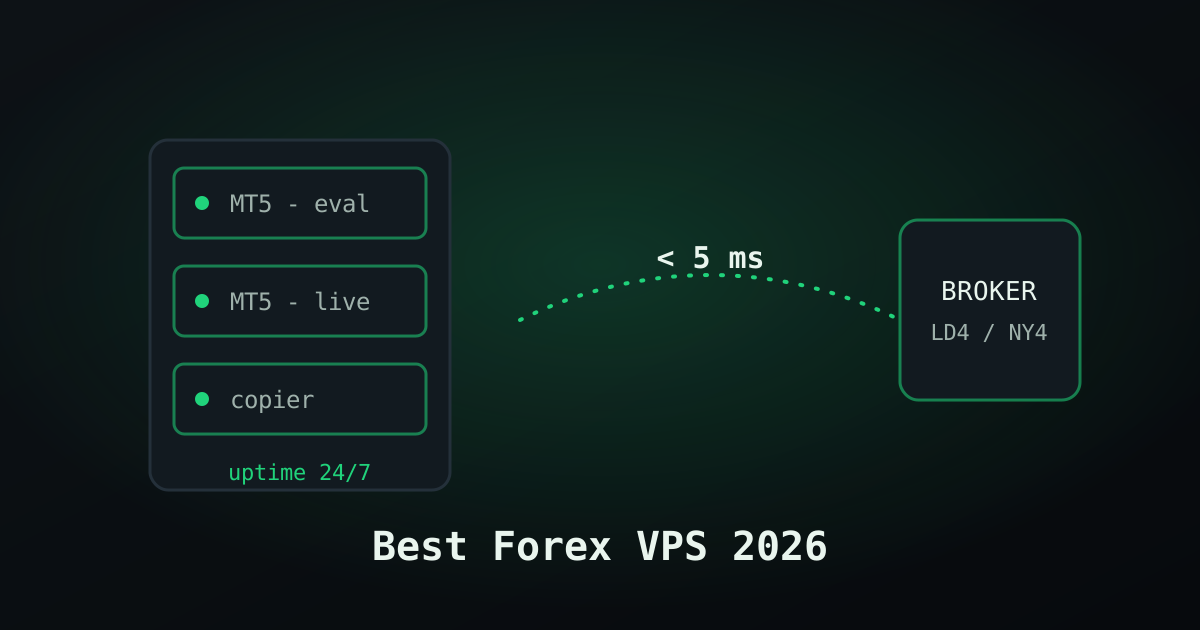
- Under 5ms — co-located with the broker. Needed for HFT-style EAs, overkill for everyone else.
- 5–50ms — same region as the broker server. The sweet spot for copiers and most EAs.
- 150ms+ — wrong continent. Your copier fills the second account a full candle late on fast news.
Sponsored
The one I pay for
ForexVPS.net runs trading-only infrastructure with datacenters next to the major broker hubs, and support that understands what MT5 is. Pick the location closest to your broker's server, not to your house.
Check ForexVPS plansSpecs that matter (and the ones that don't)
One MT5 terminal idles fine on 2GB RAM. The problem is nobody runs one terminal. By the time you have a master account, two prop accounts, a copier and a dashboard EA, you're at four terminals and Chrome for the firm's web dashboard. That setup wants 4–8GB RAM and 2–4 vCPUs, minimum.
What you can ignore: huge SSDs (terminals are tiny), GPU options, unmetered bandwidth claims. What you can't: RAM per terminal, CPU steal from oversold hosts, and whether the provider auto-blocks Windows update reboots. Ask me how I know.
So which one is "best"?
For a manual trader with one account: honestly, maybe none. Save the money, close your trades before you sleep.
For anyone running EAs, copiers or multiple funded accounts: a trading-specific VPS in the right city. I've used ForexVPS.net for my own stack since the Windows-update incident and the boring truth is that nothing has broken since, which is the entire point of the product. Take the smallest plan that fits your terminal count, test it a month, and size up only when RAM usage tells you to. And check the specs yourself before you buy — providers change plans more often than they change their homepages.
Sponsored
Set it up once, forget it
Start with the entry plan, pick the datacenter nearest your broker, and migrate your terminals in an afternoon. Your future 2am self will thank you.
Get ForexVPSFrequently asked questions
What is the best VPS for forex trading?
A trading-specific Windows VPS with at least 2 vCPU and 4GB RAM, hosted in the same city as your broker's servers (usually London, New York or Amsterdam). We use ForexVPS.net; generic budget hosts work until they're oversold at exactly the wrong moment.
Is a free forex VPS good enough?
For one lightweight EA on one terminal, sometimes. Broker and MQL5 free tiers typically give you ~1GB RAM, which freezes once you add a copier or second terminal. Free is fine for testing, not for a funded account.
How much RAM do I need for MT4/MT5?
Roughly 1–1.5GB per running terminal once you include Windows overhead. One terminal: 2GB scrapes by. Three or four terminals plus a copier: 6–8GB.
Does VPS latency matter for manual trading?
Barely. Latency matters for scalping EAs, tight trailing stops and trade copiers. If you click your own entries on a 15-minute chart, a stable connection matters far more than 5ms versus 50ms.
Keep reading
Risk note